
One-click malware removal, fix it without touching the filesystem.
When a scan flags an infected file, Guardian Gaze tells you exactly what to do next. For WordPress core, plugin, and theme files, it can automatically fetch a clean, original copy directly from the official WordPress.org repository and restore it, overwriting the infected code in one click. For unrecognized or custom malicious files that aren’t part of any active plugin or theme, Guardian Gaze performs a safety check to confirm the file isn’t in use, then lets you permanently delete it with a clear warning before removal.
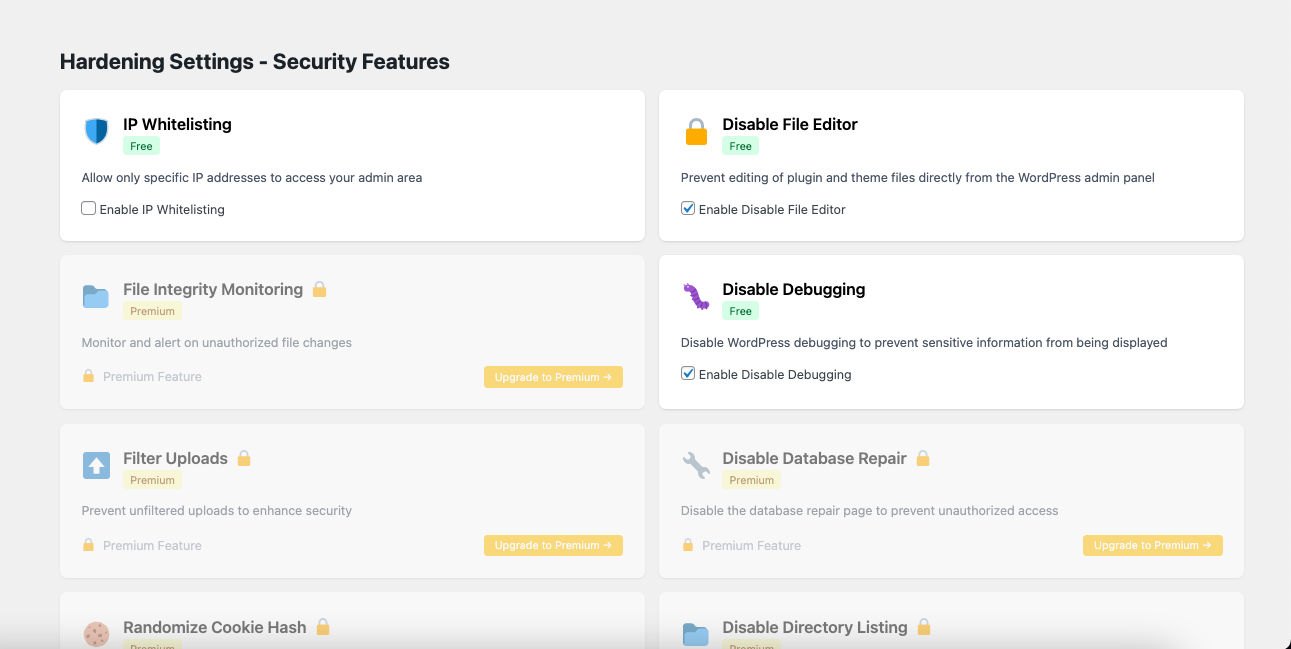
The plugin view: findings, severity and next steps inside the WordPress admin
Known file → restore
If the infected file belongs to WordPress core, an installed plugin, or a theme, Guardian Gaze pulls the clean version directly from the official WordPress.org repository, matching the exact version installed, and overwrites the infected copy.
Unknown file → safety-checked delete
If the file isn’t part of any active plugin or theme, a typical webshell or backdoor signature, Guardian Gaze verifies the file isn’t referenced anywhere in active code, shows you a clear warning, and lets you permanently delete it.
One-Click Malware Removal
When a scan flags an infected file, Guardian Gaze tells you exactly what to do next. For WordPress core, plugin, and theme files, it can automatically
Works with
Malware Scanning →
Four detection methods, cross-referenced.
Database Scanning →
Payloads hide in tables, not just files.
File Integrity →
Byte-level change detection on every file.
See it on your own site
The free scan takes under five minutes and tells you the truth.